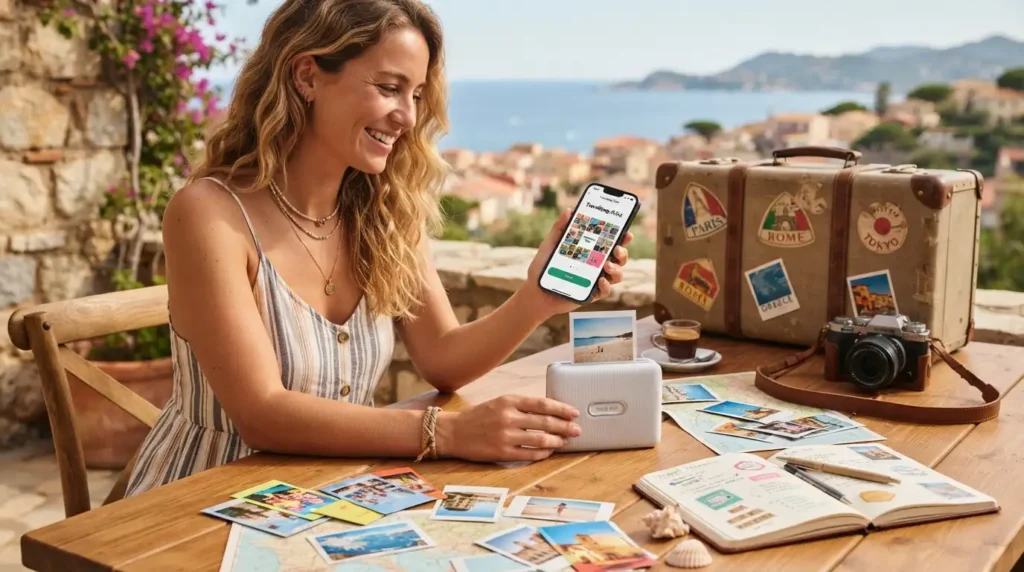
Ever scroll through thousands of phone photos and realize almost none of them exist outside a screen? You’re not alone. A good fun print app fixes that problem in minutes, not hours.
These apps let you pick a photo, choose a size, and have it mailed to your door. Some even turn snapshots into magnets, mugs, or full photo books.
Whether you want a quick 4×6 print or a whole custom photo book, the right fun print app makes the whole thing feel less like a chore and more like a fun little project.
What Exactly Is a Fun Print App?
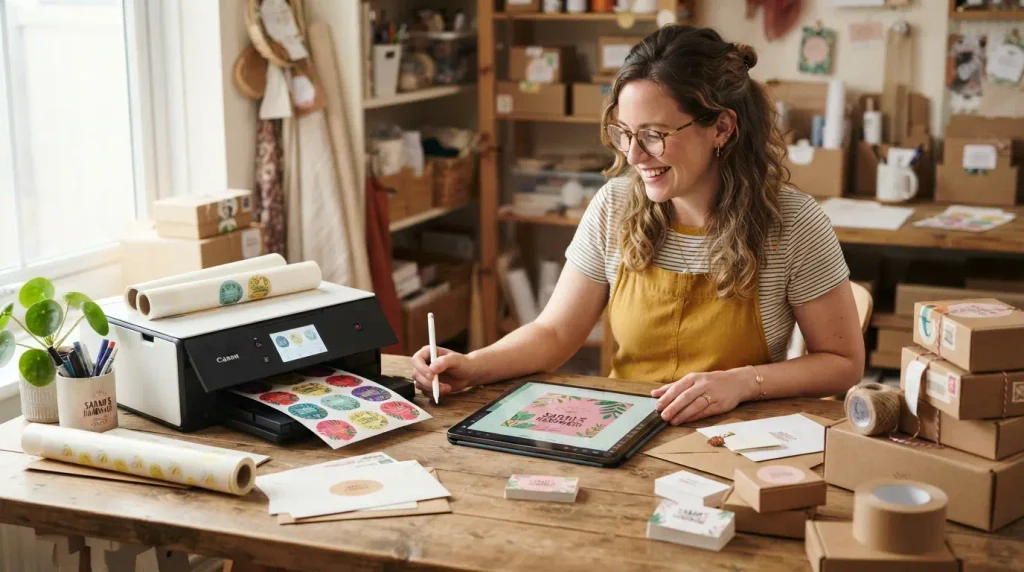
A fun print app is a mobile application that takes digital photos from your phone and turns them into physical products. That could be a simple photo print, a sticker, a canvas, or a full album.
Most of these apps skip the need for a home printer entirely. You upload your photo, pick your product, and a print lab somewhere handles the actual printing and shipping.
Some apps focus purely on prints. Others let you design cards, calendars, or wall art. A handful even throw in fun extras like collages, filters, or sticker-style photo magnets.
Why People Are Turning Back to Physical Prints
Digital photos are easy to take and easy to lose. A phone gets dropped, a cloud account gets forgotten, and years of memories can vanish overnight.
Physical prints do not disappear with a software update. A photo taped to a fridge or tucked into a frame survives long after a phone battery dies for good.
There is also something oddly satisfying about holding a printed photo. Studies on nostalgia and memory suggest that physical objects tend to feel more meaningful than digital files, which is part of why photo books and prints have stayed popular even in a phone-first world.
Popular Fun Print Apps Worth Trying
Not every print app works the same way, and picking the right one depends on what you actually want to make. Here is a quick look at some well-known options.
FreePrints
FreePrints is one of the most downloaded photo printing apps out there, and for good reason. It offers a set number of free 4×6 prints every month, with shipping as the only real cost.
You simply connect your camera roll, Google Photos, or social accounts, pick your favorite shots, and place your order. Prints usually arrive within a week or so.
Print Photo by Pictarine
This app partners directly with Walgreens, which means you can order prints from your phone and pick them up in-store within about an hour. That speed makes it a solid pick when you need prints fast, like for a same-day gift or event.
Beyond basic prints, it also supports posters, canvas prints, and photo gifts.
Social Print Studio
Built with Instagram lovers in mind, Social Print Studio focuses on turning square social media photos into prints, magnets, and cards. Its simple interface makes it especially easy for beginners.
Canva
Canva has grown from a design tool into a genuinely useful print app. You can design a custom card, poster, or collage using its templates, then order a printed copy directly through Canva Print.
It is a great pick if you want more creative control instead of a plain photo print.
Mixbook
Mixbook leans heavily into photo books and custom calendars rather than quick loose prints. Its drag-and-drop editor lets you rearrange layouts, add text captions, and choose from dozens of themed templates for birthdays, weddings, or family trips.
Because it focuses on bigger projects, Mixbook tends to cost more per order than a basic print app, but the finished product often feels closer to something you would buy in a store.
Shutterfly
Shutterfly has been around long enough to become a household name for photo gifts. Beyond standard prints, it covers mugs, blankets, calendars, and holiday cards, which makes it a solid one-stop option if you want more than just paper prints.
Frequent discount codes are common with Shutterfly, so it is worth checking for a promotion before placing a larger order.
How to Choose the Right Fun Print App for You
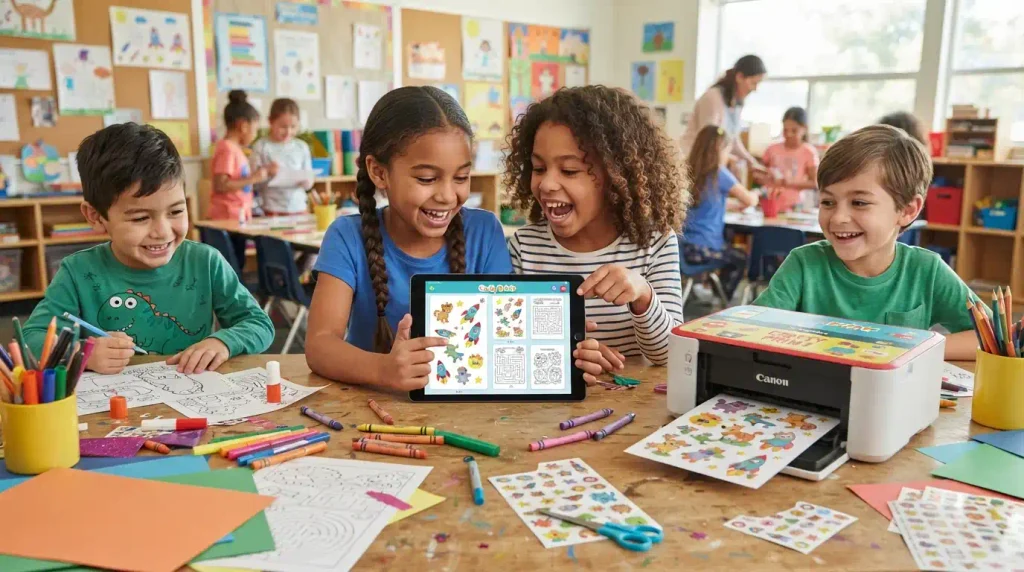
The best fun print app depends less on popularity and more on what you actually plan to make. A few questions can help narrow things down fast.
What Kind of Product Do You Want?
- Simple loose prints for a scrapbook or frame
- A full photo book for a trip or milestone
- Fun extras like magnets, stickers, or photo cards
- Custom designs like posters or greeting cards
How Fast Do You Need It?
If you need prints the same day, an app tied to a local retailer like Walgreens or CVS beats one that ships from a warehouse. If timing is not urgent, mail-order apps often work out cheaper.
What Is Your Budget?
Some apps, like FreePrints, offer a set number of free prints monthly and only charge for shipping. Others charge per print or per product, especially for specialty items like canvas or photo books.
Step-by-Step: Printing Your First Photos
Getting started with a fun print app is simpler than most people expect. Here is the general process across most apps.
- Download the app and create a free account.
- Connect your photo source, such as your camera roll, Google Photos, or Instagram.
- Select the photos you want printed.
- Choose your print size, quantity, and finish.
- Pick delivery or in-store pickup, if available.
- Review your order and check out.
Most apps will flag photos that are too low-resolution to print well, which saves you from ordering a blurry print by mistake.
Tips for Getting Print-Worthy Photos
Not every photo that looks good on a phone screen looks good on paper. A few small habits make a big difference in print quality.
Check the Resolution
Photos taken directly on a modern phone camera are usually fine for standard print sizes. Screenshots or heavily compressed images downloaded from messaging apps often are not, since they lose detail during compression.
Mind the Lighting
Photos taken in bright, even light tend to print more clearly than dim indoor shots. If a photo looks a little dark on screen, it will usually look darker once printed.
Crop Before You Order
Standard print sizes like 4×6 have a fixed ratio that does not always match your original photo. Cropping in the app before ordering avoids awkward auto-cropping that might cut off part of someone’s face.
Creative Ways to Use a Fun Print App
Printing photos does not have to stop at a stack of 4x6s in a drawer. A few creative uses can turn simple prints into something people actually enjoy using.
- Fill a photo wall with mixed print sizes
- Turn a vacation into a printed photo book
- Make custom holiday or birthday cards
- Create a fridge collage using photo magnets
- Print a small photo for a wallet or gift tag
Comparing Popular Fun Print Apps
| App | Best For | Typical Cost |
|---|---|---|
| FreePrints | Free monthly prints | Shipping only |
| Print Photo by Pictarine | Same-day pickup | Pay per print |
| Social Print Studio | Instagram-style prints and magnets | Pay per item |
| Canva | Custom designs and cards | Pay per product |
Fun Extras Beyond Basic Photo Prints
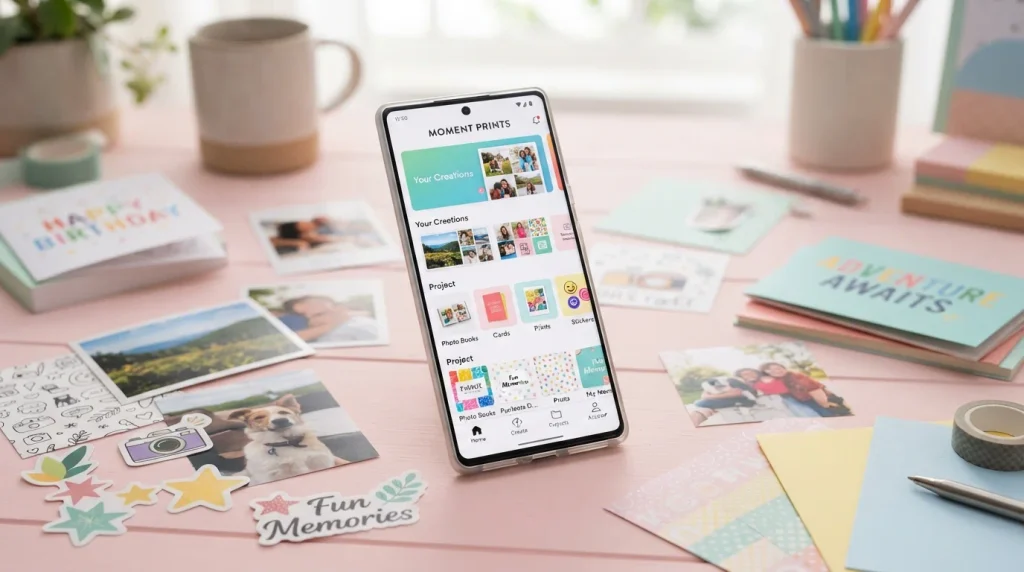
Once you get comfortable ordering standard prints, most fun print apps open the door to extras that make the experience feel a little more playful. These add-ons are usually where the “fun” part of a fun print app really shows up.
Photo Magnets and Stickers
Photo magnets turn a simple snapshot into something that lives on your fridge instead of buried in a camera roll. They are inexpensive, small enough to order in bulk, and make an easy last-minute gift for grandparents or close friends.
Custom Calendars
Custom photo calendars let you assign a different picture to each month, which works well for tracking a child’s growth, a pet’s first year, or a group of friends’ travels. Many apps let you preview each month before finalizing the order, so you can swap out a blurry shot before it gets printed.
Wall Art and Canvas Prints
For a standout photo, canvas prints or framed wall art give it a permanent spot in a home instead of leaving it as just another file. These tend to cost more than a basic print, but they are usually reserved for photos people genuinely want on display.
Printing Photos for Special Occasions
Fun print apps are not just for everyday snapshots. They can also solve a real problem: needing something physical, fast, for an event that is already on the calendar.
Weddings and Engagements
Guest books, table centerpieces, and thank-you cards all benefit from printed photos rather than digital-only images. Ordering early avoids the stress of rushed shipping close to the big day.
Holidays and Birthdays
Custom holiday cards or a small printed photo book make thoughtful, low-cost gifts. Since shipping windows tend to slow down around major holidays, it helps to place these orders a week or two earlier than you think you need to.
Everyday Milestones
Not every printed photo needs a big occasion behind it. A simple 4×6 print of a random Tuesday afternoon can end up mattering more years later than a photo taken on a “big” day, which is part of the appeal of printing regularly instead of only for special events.
Common Mistakes to Avoid
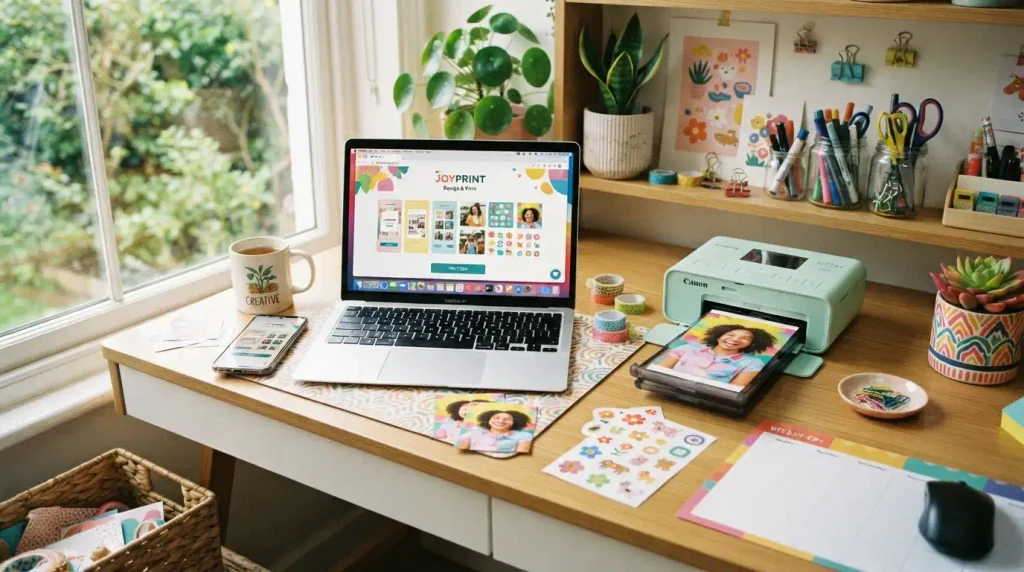
A few small missteps can turn an easy print order into a frustrating one.
Ordering Without Previewing
Skipping the preview step is one of the most common mistakes. Always check the crop, orientation, and color before confirming an order, since most apps will not offer refunds for user error.
Ignoring Shipping Times
Mail-order prints can take anywhere from a few days to two weeks depending on the app and your location. If a print is meant for a specific event, order well ahead of time.
Using Low-Quality Images
A photo pulled from a group chat or social media repost often looks worse in print than the original. Whenever possible, print directly from the original camera roll photo instead of a shared copy.
Practice Exercise
1. What is the main function of a fun print app?
A. Editing videos
B. Turning digital photos into physical products
C. Backing up contacts
D. Streaming music
2. Which app is known for offering a set number of free monthly prints?
A. Canva
B. FreePrints
C. Social Print Studio
D. Print Photo by Pictarine
3. Which app allows in-store pickup through a retail partner?
A. FreePrints
B. Canva
C. Print Photo by Pictarine
D. Social Print Studio
4. Why might a screenshot print poorly compared to an original camera photo?
A. The screenshots are always in black and white
B. The screenshots lose detail through compression
C. Screenshots cannot be uploaded
D. Screenshots are too large in file size
5. What should you check before confirming a print order?
A. The app’s release date
B. The developer’s name
C. The crop, orientation, and color preview
D. The number of app downloads
6. Which factor most affects how fast a print order arrives?
A. The photo’s file name
B. Whether it ships by mail or is picked up locally
C. The phone brand used
D. The app’s star rating
7. What is a common creative use for printed photos besides simple prints?
A. Deleting them after printing
B. Making a photo book or fridge collage
C. Uploading them to a new app
D. Reducing their resolution
8. Which type of lighting generally produces better prints?
A. Very dim indoor lighting
B. Bright, even lighting
C. Flashing colored lighting
D. No lighting at all
9. What is one reason physical prints remain popular despite digital storage?
A. Users cost more to make than digital files
B. People cannot be lost when a phone breaks or an account is forgotten
C. They require a special printer at home
D. They are only usable for professional photographers
10. Which app is most focused on custom design work like cards and posters?
A. FreePrints
B. Social Print Studio
C. Canva
D. Print Photo by Pictarine
Answer Key:
B
B
C
B
C
B
B
B
B
C
Keeping Your Printed Photos in Good Shape
Ordering the prints is only half the job. A little care afterward keeps them looking good for years instead of fading or curling within a season.
Store Them Away From Direct Sunlight
Sunlight fades ink over time, so photos displayed near a window will lose color faster than ones kept in an album or on an interior wall. If a print matters a lot, a shaded spot or a UV-protective frame goes a long way.
Use Acid-Free Albums
Cheap adhesives and acid-heavy paper can yellow prints over time. Photo-safe albums, usually labeled acid-free or archival, cost a little more but protect prints far better over the long run.
Keep a Digital Backup Too
Even the best physical print can be damaged by water, heat, or an accident. Keeping the original digital file backed up in cloud storage means you can always reorder a print if something happens to the physical copy.
FAQs
Is a fun print app really free to use?
Most fun print apps are free to download, and some, like FreePrints, offer a set number of free prints each month. You typically only pay for shipping or for extra products beyond the free allowance, so costs stay low for casual use.
Do I need a professional camera for good prints?
No, a modern smartphone camera is usually good enough for standard print sizes. What matters more is lighting and avoiding heavily compressed images, since those factors affect print clarity far more than the camera itself.
How long does it take to receive printed photos?
Mail-order prints typically arrive within a few days to two weeks, depending on the app and shipping method. Apps that partner with local retailers, like Print Photo by Pictarine, can offer same-day or one-hour pickup instead.
Can I print photos from Instagram or Facebook?
Yes, many fun print apps let you connect social accounts directly, so you can print photos without saving them to your camera roll first. Just check the resolution, since heavily compressed social photos can sometimes print less sharply.
What size prints should I start with?
A standard 4×6 print is the most common and budget-friendly starting point. It works well for everyday photos, while larger sizes or canvas prints suit standout shots meant for framing or wall display.
Are photo books worth ordering through these apps?
Photo books are a great option for trips, milestones, or yearly memory keeping, since they group many photos into one keepsake. They usually cost more than loose prints but often feel more meaningful as a finished product.
Can I edit photos before printing them?
Yes, most fun print apps include basic editing tools like cropping, filters, and brightness adjustments. Apps like Canva go further, offering full design templates for cards, posters, and custom layouts before printing.
Conclusion
A fun print app turns photos that would otherwise sit unused on a phone into something you can actually hold, hang, or hand to someone as a gift. Whether you want free monthly prints, same-day pickup, or a fully custom design, there is an app suited to the job.
Start small with a simple print order before trying photo books or custom cards, so you get a feel for how each app handles resolution, cropping, and shipping.
Once you find a fun print app that fits your habits, printing photos stops feeling like a task and starts feeling like a small, satisfying ritual worth repeating.

Asjad Ali is a passionate, fun, and entertainment enthusiast who enjoys discovering interesting, amusing, and engaging content from around the web. Through laughvista.com, Asjad shares lighthearted ideas, entertaining stories, fun facts, jokes, and enjoyable content designed to bring a little more laughter and positivity into everyday life. His goal is to create content that feels natural, relatable, and easy for everyone to enjoy.
With a genuine interest in fun and entertainment, Asjad Ali focuses on creating friendly content for readers of different ages and backgrounds. laughvista.com is built around the idea that a few moments of laughter can brighten anyone’s day. Whether readers are looking for something funny, interesting, or simply entertaining, Asjad aims to make every visit enjoyable, refreshing, and worth coming back to.