
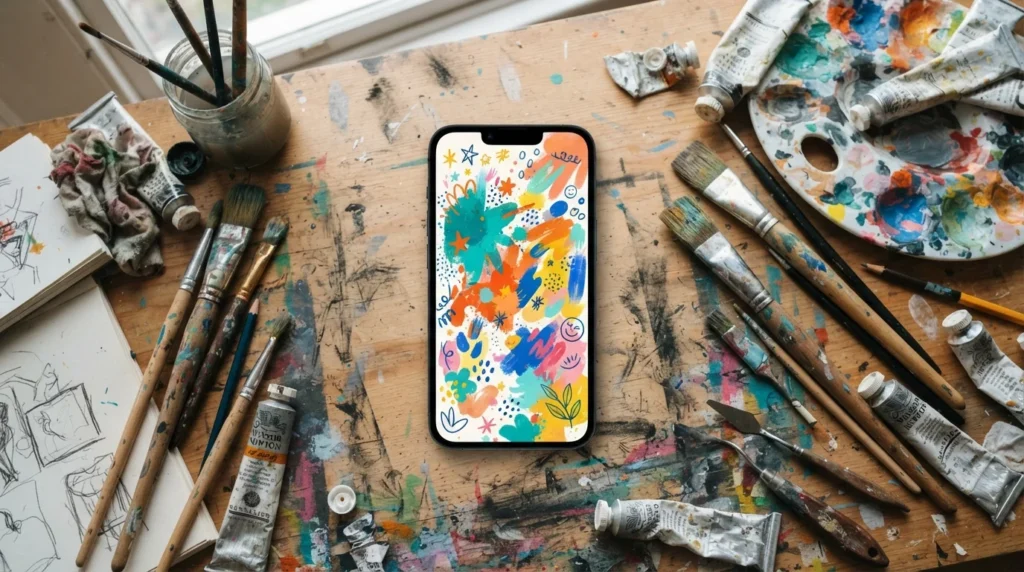
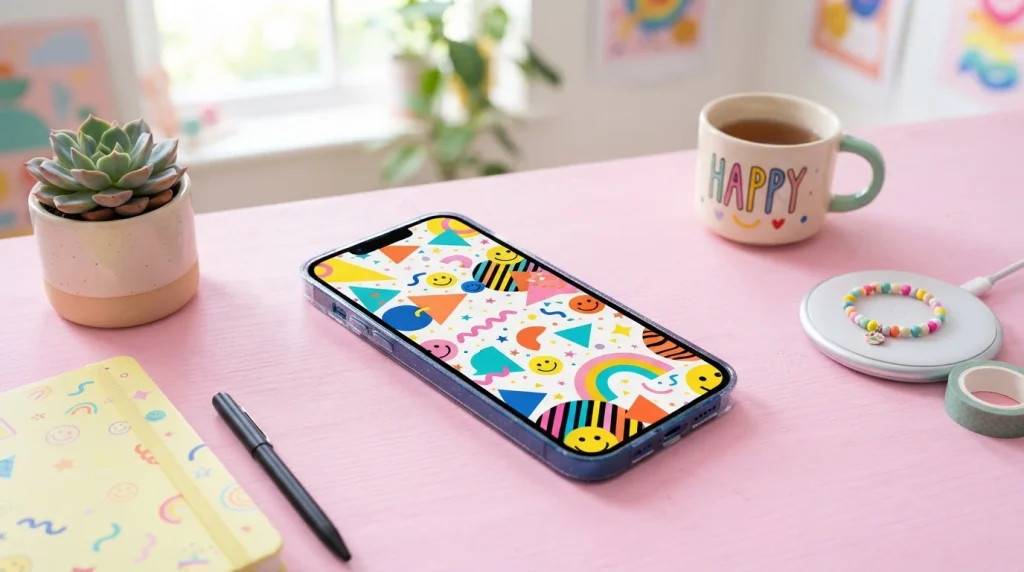
Fun phone backgrounds are creative wallpaper images or animations designed to bring humor, personality, and joy to your smartphone display. By choosing vibrant patterns, witty quotes, or playful illustrations, you customize your lock screen to reflect your style, uplift your daily routine, and give your modern device a uniquely cheerful aesthetic.
We unlock our smartphones dozens, or even hundreds, of times every single day. Seeing a dull, default wallpaper over and over can slowly turn your screen into a boring piece of technology. Switching things up with fun phone backgrounds instantly adds a spark of joy to every single glance.
Whether you love cute cartoon animals, optical illusions, nostalgic pop culture, or hilarious text prompts, a lively image completely changes how you interact with your device. Let’s look at how you can transform your screen into something that makes you smile every time you pick it up.
Why Your Choice of Screen Wallpaper Matters More Than You Think
Your smartphone screen acts as a visual doorway to your daily digital world. The average person glances at their lock screen over eighty times during a typical afternoon. When that backdrop displays something humorous or visually thrilling, it creates a micro-moment of pleasure.
Psychology shows that colorful, entertaining visual cues trigger instant micro-rewards in your brain. A playful screen wallpaper helps break up stressful work routines and neutralizes daily screen fatigue. It isn’t just a decorative backdrop; it is an active mood booster that you carry inside your pocket everywhere you go.
Personalizing your digital devices also gives you a sense of control over your personal space. Just like decorating a bedroom wall, picking fun phone backgrounds allows you to express your sense of humor without saying a single word.
Popular Styles of Fun Phone Backgrounds
Choosing the perfect image starts with knowing what styles are out there. The options are endless, ranging from clean vector artwork to chaotic memes. Exploring different artistic categories helps you pinpoint the exact vibe you want for your display.
Quirky Meme Wallpapers and Visual Puns
If you love humor, meme-inspired digital backgrounds are guaranteed to make you laugh out loud. Visual puns take literal sayings and transform them into funny digital illustrations that catch people off guard.
- Illustrations of Food: A piece of toast doing yoga with the caption “Loafing Around” brings instant lightness to a stressful afternoon.
- Sarcastic Animals: A grumpy cat wearing a tiny top hat gives off a hilarious, relatable energy whenever a work notification pops up.
- Clever Wordplay: Simple text graphics with cheeky reminders like “Don’t Look at Me, Get Back to Work” help keep your screen humorous yet functional.
Animated and Interactive Live Wallpapers
Static images are wonderful, but dynamic options bring a completely fresh layer of interaction to modern displays. Live screen options react to your touch, movement, or the passage of time.
Motion graphics bring your display to life through looping liquid animations, floating arcade sprites, or reacting galaxy dust particles. Parallax 3D art tilts alongside your device, creating a striking optical illusion of real depth behind your app icons. Interactive touch screens let liquid ripples or glowing light trails follow your finger as you swipe across your homescreen.
Nostalgic and Retro Aesthetics
Retro styles tap straight into joyful memories from the past. Bringing back vintage design trends gives your modern high-tech device a cozy, classic feel.
Pixel art graphics inspired by classic 8-bit video games bring back memories of old-school arcade games. Bold 1990s patterns featuring neon squiggles, geometric shapes, and vibrant color palettes create a fun retro atmosphere. Old-school tech designs emulate old VHS tapes, classic portable music players, or retro desktop displays for a quirky style.
Top Themes for Creative Lock Screens
Your lock screen is the very first thing you see when you lift your device. Setting up a theme specifically for your lock display helps set a positive tone for your day. Here are some of the best themes to try out:
- Miniature Worlds: These feature tiny cartoon figures climbing around your device buttons, clock, or app icons. They are perfect for curious readers who love playful details.
- Illusion Covers: Use designs like fake cracked glass, glowing internal circuits, or characters hiding behind your display. This style works great for tech fans and humorous pranksters.
- Minimalist Fun: Bright, solid background colors paired with simple floating doodles keep your screen uncluttered while still looking cheerful.
- Seasonal & Holiday Themes: Switch to cute pumpkins in autumn, beach scenes in summer, or snow sparkles in winter. It is an easy way to keep your phone feeling fresh all year long.
Cheeky Peek-a-Boo Characters
Peek-a-boo designs feature cute figures appearing to peek out from behind your screen’s app icons or battery indicators. Imagine a tiny astronaut floating right behind your clock widget or a mischievous cat clinging to the edge of your screen display.
These designs work around the layout of your smartphone, making your screen layout feel deliberate and custom-made. They transform functional elements into interactive art.
Optical Illusions and Transparent Circuit Designs
Optical illusion backgrounds manipulate how you see your device hardware. Some wallpapers make it look like you are staring directly into the internal battery components, wires, and microchips of your smartphone.
Others use forced perspective to trick your eyes into seeing a 3D box or a deep hole inside your display. These clever visual tricks invite double-takes from anyone standing nearby when your display turns on.
How to Match Fun Phone Backgrounds to Your Personal Aesthetic
Selecting an image is easy, but finding one that truly matches your daily style takes a little thought. You want your screen to reflect your personality without making your app labels unreadable.
Balancing Vibrant Color with App Icon Readability
A background can look amazing in a photo gallery, but completely chaotic once covered in app shortcuts. Keeping readability in mind protects the overall user experience of your display.
- Use Negative Space: Choose images that feature dense designs at the top or bottom, leaving the middle area clean for app placement.
- Contrast Bright Colors: Ensure your background’s light levels contrast well with your app labels so you can quickly find your software.
- Blurred Backdrops: Apply a slight blur effect to your homescreen image while keeping the lock screen crisp and sharp.
Dynamic Color Palette Matching
Modern smartphone software allows your operating system to automatically pull accent colors directly from your chosen wallpaper. When picking fun phone backgrounds, consider how those primary tones will change your device’s interface accents.
Warm yellow or bright pastel green accents make system menus feel lighthearted and friendly. Darker neon tones yield an energetic cyber atmosphere that looks incredible on OLED displays during late hours.
Where to Find High-Quality Backgrounds Safely
Not all wallpaper source websites offer safe, high-resolution downloads. Protecting your privacy and device security is essential while searching for creative digital assets.
Trusted Free Wallpaper Platforms
Several dependable platforms host collections of high-resolution images created by artists from all over the globe.
Unsplash and Pexels host millions of crisp, royalty-free photographs and digital art pieces ready for instant download. Pinterest serves as an incredible search engine for creative visual inspiration, linking directly to independent artist portfolios. Reddit communities like r/wallpapers offer user-submitted artwork, unique themes, and custom mobile layouts.
Choosing Safe Downloading Sources
Avoid clicking on shady pop-up ads promising free live background downloads. Always download your images directly from established platforms, verified software stores, or official artist pages.
Never download executable files or installer applications just to save a static JPEG or PNG image file. If a wallpaper site asks for unnecessary system permissions, exit immediately and clear your browser cache.
How to Make Your Own Fun Phone Backgrounds
Creating your own graphics gives you total control over colors, text, and personal humor. You do not need professional graphic design skills to create eye-catching digital graphics.
Simple Digital Tools for Beginners
Free, user-friendly design applications make creating visual layouts fast and straightforward.
- Select Your Canvas Dimensions: Open design applications like Canva and search for standard mobile wallpaper templates.
- Pick a Base Background: Choose a solid pastel tone, vibrant gradient, or fun graphic pattern as your primary backdrop.
- Add Visual Elements: Layer cute stickers, fun doodles, or quirky digital illustrations onto your canvas frame.
- Insert Personal Text: Include an uplifting message, an inside joke, or a funny quote using bold typography styles.
- Export in High Resolution: Save your completed design as a high-quality PNG file to prevent compression artifacts.
Using Personal Photos for Unique Humor
Your camera roll is filled with raw material waiting to be turned into entertaining lock screens. Taking fun photos of pets, friends, or random everyday situations makes for unforgettable wallpapers.
You can cut out the background of a funny picture of your pet using modern built-in phone tools. Drop that cutout onto a neon geometric background to turn your pet into a hilarious pop-art masterpiece.
Setting Up Automatic Wallpaper Rotation
If you get bored easily, keeping just one wallpaper for weeks can feel stale. Modern operating systems let you cycle through your favorite graphics automatically.
Configuring iOS Photo Shuffle
Apple devices allow users to alternate background graphics effortlessly throughout the day. You can build a custom collection of fun phone backgrounds that change every time you unlock your device.
Navigate to your lock screen settings menu and select the photo shuffle feature. Choose a dedicated album containing your favorite wallpapers, and set the rotation frequency to hourly, daily, or upon wake.
Setting Up Android Wallpaper Services
Android devices offer flexible wallpaper cycling options natively and through third-party apps available in the Google Play Store.
You can configure your lock screen to pull fresh wallpapers from selected categories every morning. This ensures that every day starts with a new visual surprise waiting on your display.
MCQs
- What is the main purpose of a phone background?
A) To increase storage
B) To personalize the phone’s screen
C) To improve internet speed
D) To charge the battery - Which type of image is commonly used as a fun phone background?
A) Colorful patterns
B) Blank documents
C) Spreadsheets
D) Error messages - Which background style can make a phone look playful?
A) Bright cartoon designs
B) Plain system files
C) Technical manuals
D) Empty screens - Which colors are often popular for cheerful phone backgrounds?
A) Bright and vibrant colors
B) Only gray
C) Only black
D) Transparent colors only - What should you consider when choosing a phone background?
A) Screen size and resolution
B) Keyboard language only
C) Phone ringtone
D) Battery percentage - Which theme could be a fun choice for a nature-loving person?
A) Colorful tropical scenery
B) A blank white screen
C) A calculator image
D) A settings menu - Why do people use funny images as phone backgrounds?
A) To add personality and entertainment
B) To increase phone storage
C) To make calls longer
D) To change the phone number - Which design is suitable for someone who enjoys cute styles?
A) Cute animals and colorful characters
B) Plain text files
C) Technical diagrams
D) Blank patterns - What type of background can help keep app icons easy to see?
A) A design with enough clear space
B) An extremely crowded image
C) A completely distorted image
D) A blurry screenshot - Which is a good example of a fun phone background?
A) A colorful space-themed illustration
B) A broken screen photo
C) An error notification
D) An empty document
Answers
- B
- A
- A
- A
- A
- A
- A
- A
- A
- A
FAQs
Do animated live wallpapers drain your phone battery quickly?
Yes, moving background graphics consume more processing power than static images. Dynamic graphics keep your graphics chip active, which reduces battery life faster. If saving battery power is your top priority, stick with high-resolution static wallpapers instead.
What is the ideal image resolution for phone backgrounds?
You should aim for images matching or exceeding your device’s native display resolution. Standard high-definition dimensions like 1080×1920 pixels or 1170×2532 pixels work well. Using higher-resolution graphics prevents images from looking blurry when stretched across large displays.
Can fun phone backgrounds cause visual clutter on my home screen?
They can if the design is overly complex or filled with chaotic patterns. To avoid visual clutter, pick graphics with clean centers or high-contrast negative space. This layout design ensures your apps and widgets remain easy to spot immediately.
How do I make my lock screen graphics change automatically?
You can configure automatic background rotations through your device’s native display settings. iPhone users can set up Photo Shuffle, while Android owners can use built-in system wallpaper services or launch verified customization apps from the Play Store.
Are free wallpaper download websites completely safe to use?
Most established platform websites are safe, but caution is always necessary online. Use trusted stock platforms like Unsplash or verified app stores. Avoid downloading executable files or granting strange app permissions just to save a simple background graphic file.
Conclusion
Refreshing your smartphone with fun phone backgrounds is one of the easiest, fastest ways to inject personality and joy into your daily digital routine. From witty memes and playful optical illusions to custom pet portraits and retro pixel art, the options for customizing your display are unlimited. Selecting designs with great contrast keeps your app icons readable while giving your screen an exciting aesthetic update.
Take a few minutes today to explore new graphic styles, build a custom wallpaper rotation, or design your own playful background from scratch. A small visual update can turn an ordinary tech device into something that brightens your mood every single time you pick it up!

Asjad Ali is a passionate, fun, and entertainment enthusiast who enjoys discovering interesting, amusing, and engaging content from around the web. Through laughvista.com, Asjad shares lighthearted ideas, entertaining stories, fun facts, jokes, and enjoyable content designed to bring a little more laughter and positivity into everyday life. His goal is to create content that feels natural, relatable, and easy for everyone to enjoy.
With a genuine interest in fun and entertainment, Asjad Ali focuses on creating friendly content for readers of different ages and backgrounds. laughvista.com is built around the idea that a few moments of laughter can brighten anyone’s day. Whether readers are looking for something funny, interesting, or simply entertaining, Asjad aims to make every visit enjoyable, refreshing, and worth coming back to.